

 Saburo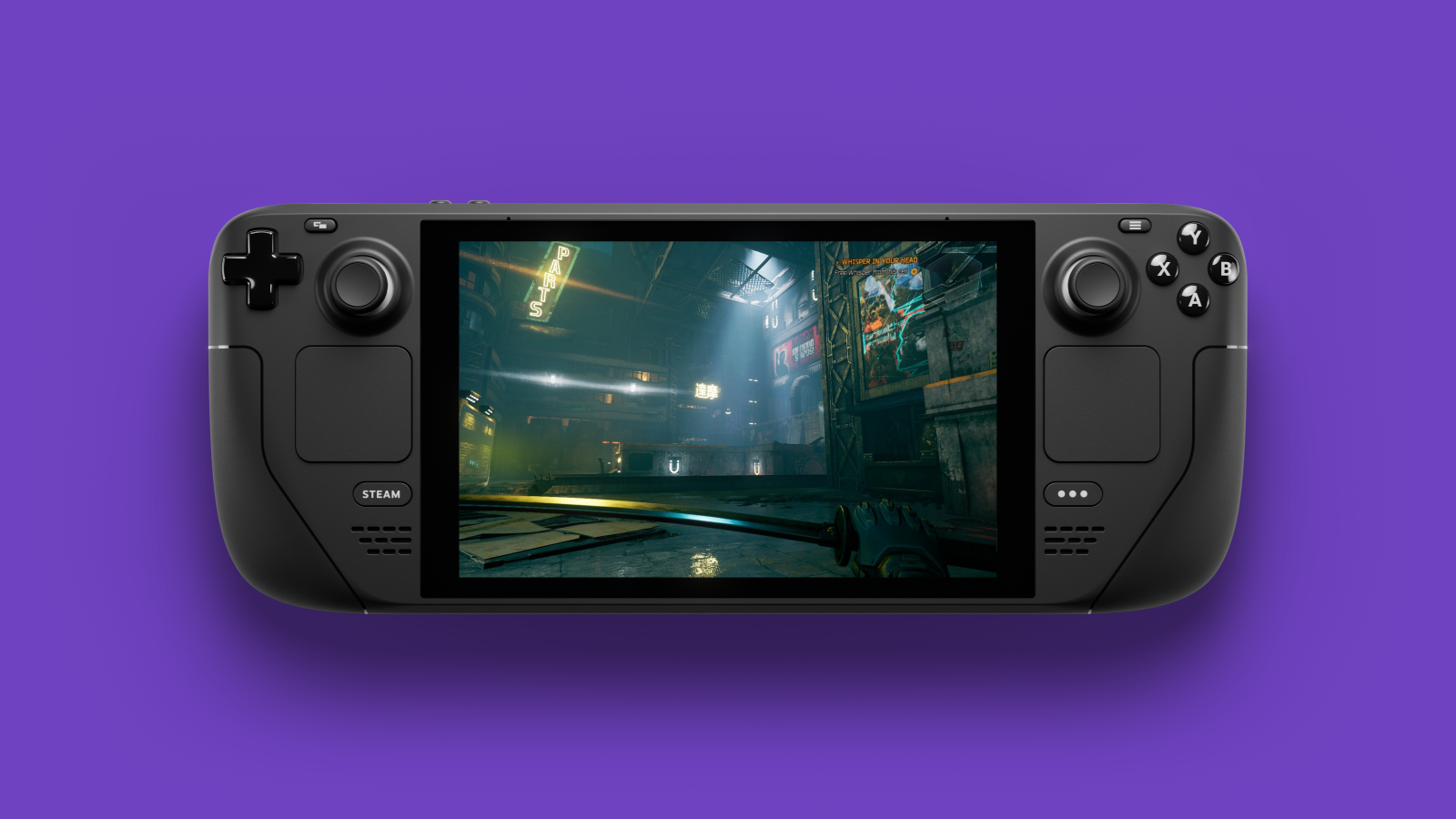
Mako Frame Gen 4.5 decouples Steam Deck frame generation from the paid Lossless Scaling app, offering a native offline path for Decky Loader users. This update shifts the architecture to handle scaling and shaders directly, reducing dependency on external tools and potentially improving GPU headroom on your handheld.
What changed in Mako Frame Gen 4.5
The latest release marks a structural shift for the plugin. MAKO Frame Gen 4.5 has been released, described by its developer as making ‘initial moves to make Lossless Scaling optional’. According to the official announcement on Reddit, users are no longer strictly required to own or run the paid Lossless Scaling app for frame generation. Mako is a frame-generation layer plugin distributed for the Steam Deck community (typically installed via Decky Loader), and version 4.5 is the first release in this line to shift the architecture away from a hard Lossless Scaling dependency.
This matters because Lossless Scaling is a paid third-party upscaler and frame-gen tool on Steam, typically costing around €7-8. Historically, Steam Deck frame-gen workflows that used Lossless Scaling required running a second scaling layer on top of the game, which strained GPU headroom on the Deck’s AMD Van Gogh and Sephiroth APUs. By removing this middleman, Mako aims to streamline the rendering pipeline.
Better stability and fewer dependencies
Replacing Lossless Scaling with an in-plugin path reduces one vendor dependency and avoids concerns about future Lossless Scaling updates conflicting with SteamOS or Proton updates. For followers of Steam Deck news, this signals a maturing ecosystem where plugins become more self-sufficient rather than relying on a chain of third-party executables.
The community reaction highlights two major benefits beyond just FPS boosts. Users are particularly excited about the experimental HDR support, noting that HDR10/PQ and linear scRGB now work with scaling, frame generation, and shaders through Gamescope on external HDR displays. Another key addition is compatible ReShade .fx shaders. Getting ReShade options working on the Deck has traditionally been a pain point, so having them integrated directly into Mako simplifies visual customization significantly.
Hardware reality: OLED vs LCD performance
While the software improvement is universal, the hardware you hold dictates the visible benefit. The Steam Deck OLED uses a 7.4-inch 90Hz HDR OLED panel, while the LCD model is capped at 60Hz. Frame generation above the base framerate only produces visible smoothness gains when the panel allows higher refresh rates, so Mako 4.5’s value is significantly higher on OLED units than on the LCD SKU.
On an OLED model, pushing a stable 45 FPS base to 90 FPS via interpolation feels transformative. On the LCD, the ceiling is lower, and the input latency penalty of frame generation might outweigh the smoothness gain for competitive titles. If you are tweaking settings for specific games, remember that frame generation adds latency. For fast-paced shooters like Helldivers 2, you might still prefer raw performance over interpolated frames, as discussed in our Helldivers 2 Steam Deck settings guide.
Is it worth swapping out Lossless Scaling?
For most users, yes. The removal of a paid dependency lowers the barrier to entry for trying frame generation. You no longer need to purchase a separate app on Steam to test if interpolation suits your playstyle. However, keep in mind that frame generation is not a magic bullet. It creates “make-believe” frames between real ones, which can introduce artifacts or input lag.
Some purists in the community argue against using any form of frame generation, preferring real frames for responsiveness. Yet, for single-player RPGs like The Witcher 3 or Cyberpunk 2077, the visual smoothness provided by Mako 4.5 can make a playable experience feel much closer to native high-refresh performance. If you encounter issues with other peripherals while testing new plugins, such as haptic feedback failures, check our trackpad haptics fix guide to rule out system-level conflicts.
Why Mako 4.5 matters for Deck owners
Mako 4.5 is a necessary evolution for the Steam Deck modding scene. Relying on a paid third-party tool like Lossless Scaling created a fragile dependency chain that often broke with SteamOS updates. By bringing scaling and shader support in-house, Mako offers a more resilient solution. While OLED owners will see the biggest tangible benefit due to the 90Hz panel, the removal of the paywall makes frame generation accessible to every Deck owner. We recommend installing it via Decky Loader and testing it in visually demanding but slower-paced games first to gauge the latency trade-off.