

 Saburo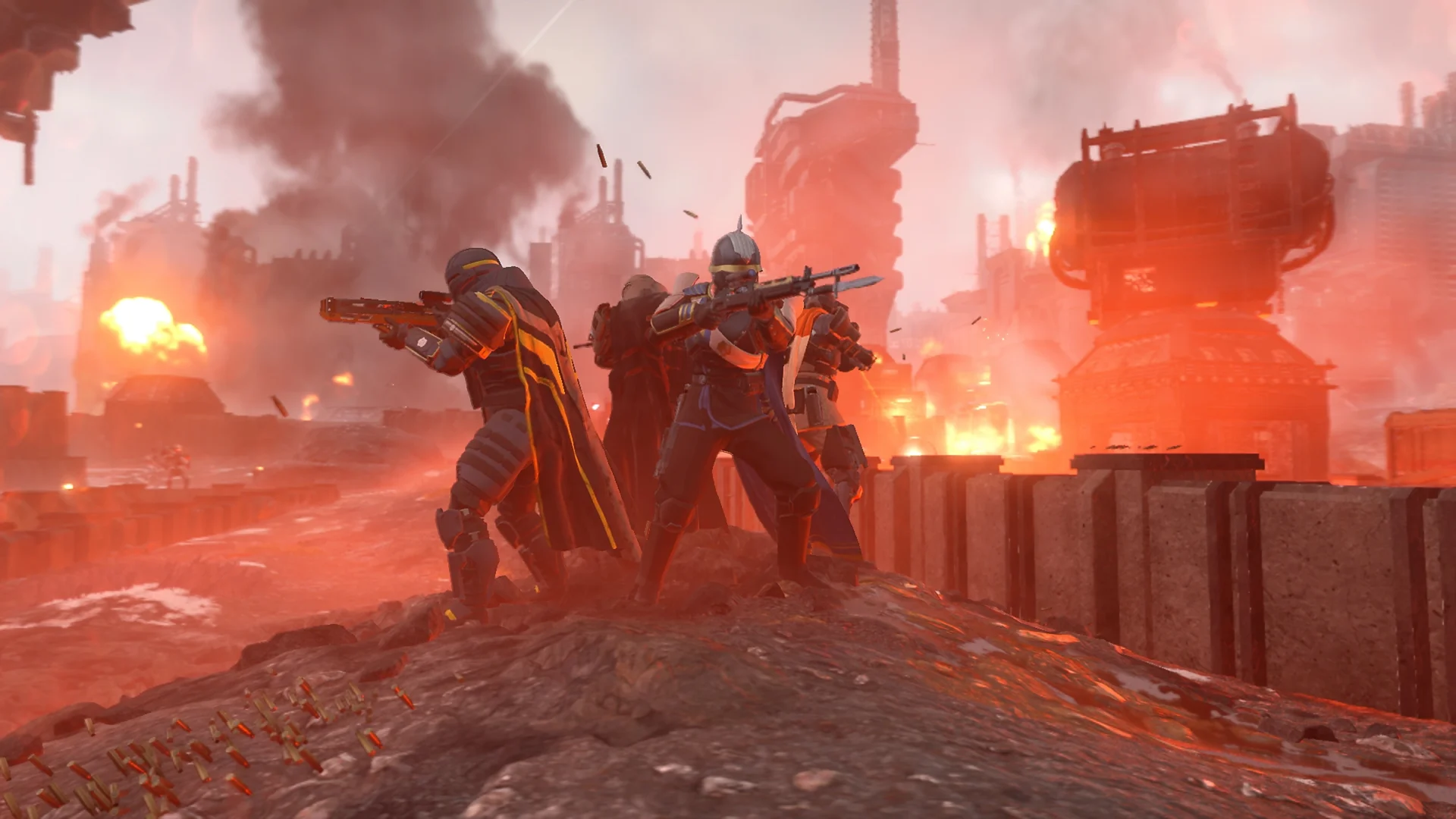
Helldivers 2 does something weird on Steam Deck: it breaks the usual rule. Most Deck games are GPU-bound, so you throw FSR at them and call it a day. Helldivers 2 isn’t like that. Drop into a bug breach with forty Terminids on screen and your frame rate tanks even if the graphics look basic, because the Deck’s quad-core Zen 2 CPU is the one drowning, not the GPU. Once you know that, the settings that actually fix your framerate make a lot more sense. Here’s the config Egor and I settled on after way too many Helldive-difficulty drops.
Why your FPS crashes during swarms (and why lowering resolution alone won’t save you)
The enemy AI and swarm simulation in Helldivers 2 run mostly on the CPU. So when a bot drop or a bug breach floods the map, you’re CPU-bottlenecked, not GPU-bottlenecked. That’s why cranking down resolution or slashing shadow quality barely moves the needle during the chaotic moments, the exact moments where you need the frames. The fix isn’t “turn everything to low and pray,” it’s picking the handful of settings that actually reduce CPU load and locking your target frame rate so the game doesn’t try to chase 60 and stutter the whole match.
Useful video by Gaming on Steam
Step 1: Set your Quick Access Menu (QAM) baseline
Before touching a single in-game slider, set this up from the Deck’s Quick Access Menu (the … button):
- Framerate limit: 30 FPS. Don’t chase 40 here, the CPU load during swarms makes 40 unstable and you’ll feel the drops more than you’d enjoy the extra frames.
- Refresh rate: 60 Hz. No need to drop this one, it doesn’t help with a CPU bottleneck.
- Scaling filter: FSR, sharpness set to 5.
- TDP limit: leave it off. Since the bottleneck is CPU, capping wattage manually just starves the GPU further without freeing up any CPU headroom. It makes combat drops worse, not better.
Step 2: In-game graphics settings
Once the QAM side is sorted, jump into the in-game options menu:
- Resolution: 1280×800 (native Deck resolution, don’t render below it, FSR handles the upscaling work).
- Upscaling: FSR, Quality mode.
- Overall graphics preset: a mix of low and medium. Texture quality can sit at medium since it barely touches the CPU, but shadows, foliage density and volumetrics go to low.
- Frame rate lock: enable it and lock at 30, matching your QAM limit. Two frame limiters fighting each other is worse than just one doing its job.
This combo won’t win you any screenshots, but it’s the setup that stays playable when fifteen Terminids and three Chargers show up at once, which, let’s be honest, is most of your playtime on Helldive difficulty.
Step 3: What to expect once the FSR 3 patch lands
Helldivers 2 has been getting FSR 3 upscaling in recent updates, replacing the older FSR 2 implementation. FSR 3’s frame generation won’t help much on Deck (frame gen amplifies CPU-side stutter more than it hides it), but the improved upscaling quality at the same performance cost is a straight win. Once it’s live on your build, keep the same Quality preset, you’ll just get a slightly sharper image for free.
FAQ
Why does my Deck still stutter with these settings during a bot drop?
That’s CPU saturation, not a settings problem you can fully eliminate. Fewer active grenades and turrets on screen at once (yours and squadmates’) genuinely helps here, since each one adds simulation load.
Should I use FSR Balanced instead of Quality for more headroom?
You can, but the CPU bottleneck means you won’t gain much FPS from it, you’ll mostly just lose image clarity. Quality is the better trade on this specific game.
Is 40 FPS ever viable on Deck for Helldivers 2?
In light exploration with no enemies around, sure. The moment a swarm hits, 40 FPS mode drops harder than a locked 30 FPS mode does, so 30 stays the more consistent pick for actual missions.
Bottom line
Lock 30 FPS in the QAM, FSR Quality at 1280×800, low/medium in-game preset, and leave the TDP limit alone. That’s the whole trick: stop treating this like a GPU-bound game, because it isn’t. Go update your settings before your next dive, your squad will thank you when you’re not the one dropping frames during the extraction.