


DeckGamer
  • About
  • Steam News
  • Deck News
  • Best Games
  • Game Perf & tweaks
  • Tech Tips & tutorials
  • Deck Mods
  • Accessories & gear
  • Troubleshooting
DeckGamer
  • About
  • Steam News
  • Deck News
  • Best Games
  • Game Perf & tweaks
  • Tech Tips & tutorials
  • Deck Mods
  • Accessories & gear
  • Troubleshooting
DeckGamer
DeckGamer
  • Home
  • Steam News
  • Deck News
  • Best Games
  • Game Perf & tweaks
  • Deck Mods
  • Tech Tips & tutorials
  • Troubleshooting
  • Accessories & gear
  • About
Home Game Perf & tweaksEA SKATE Running Offline on Steam Deck: How to Get It Working
Game Perf & tweaks

EA SKATE Running Offline on Steam Deck: How to Get It Working

by Saburo 2 weeks ago
by Saburo 2 weeks ago 0 comments 2 minutes read
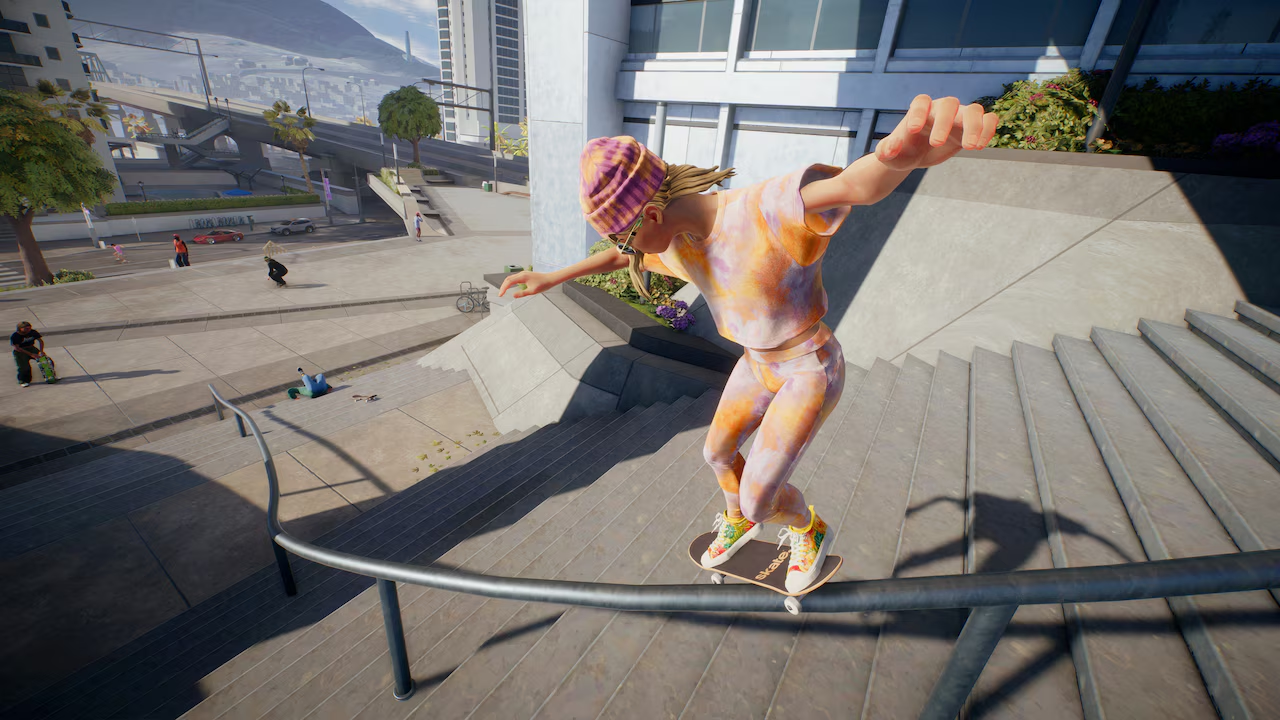
EA Skate screenshot
32

Good news for EA SKATE fans! You can now enjoy the game offline on your Steam Deck using Reskate. Here’s how to get it working and some tips for a smooth experience.

Running EA SKATE Offline on Your Steam Deck

Thanks to the Reskate mod, you can now play EA SKATE without needing an internet connection. This is a huge win for those who want to take their favorite skating game on the go. According to the Reddit thread, the installation process is straightforward and allows for a seamless offline experience.
Step-by-Step Guide to Setting Up Reskate

  1. Download and install Reskate from the official source.
  2. Follow the installation instructions provided in the mod documentation.
  3. Once installed, launch EA SKATE from your Steam Deck.
  4. Verify that the game runs smoothly in offline mode.

Tips for a Smooth Experience

  • Ensure your Steam Deck is fully updated to the latest version of SteamOS.
  • Check for any additional patches or updates for Reskate to keep your setup running smoothly.
  • If you encounter any issues, refer to our guide on fixing common Steam Deck audio issues.

Community Insights and Tips

The Steam Deck community has been buzzing with excitement about this new feature. One user shared their experience with Reskate, noting that the game runs flawlessly even in offline mode. However, if you run into any hiccups, don’t hesitate to reach out to the community for support. You can also explore our guide on how to safely uninstall and revert mods if you need to roll back your changes.

Final Thoughts: Make the Most of Your Steam Deck

With Reskate, playing EA SKATE offline on your Steam Deck is now a breeze. Whether you’re on a long trip or just want to enjoy the game without an internet connection, this mod is a game-changer. Give it a try and see how it enhances your gaming experience. For those looking to improve their setup even further, check out our article on installing Steam input mods for better gameplay.

Share 0 FacebookTwitterPinterestEmail

Steam Deck. Just Awesome.

Top Categories

Best Games Accessories & gear Steam News Deck News Deck Mods Tech Tips & tutorials Game Perf & tweaks Troubleshooting

Recent Posts

  • Best Steam Deck Games Under 1 GB: Tiny Installs, Huge Fun

    25 minutes ago
  • Steam Deck Fan Curve Tuning: The Custom Profile That Cuts Noise Without Cooking Your APU

    13 hours ago
  • Steam Deck Stripped Screw? How to Fix a Shell Swap Gone Wrong

    1 day ago
  • Steam Deck M.2 2230 SSD Upgrade: The Safe Way to Double Your Storage

    2 days ago
  • Steam Deck OLED in a Glovebox: The 2026 Console-Car-Charging Reality Test

    3 days ago

Subscribe now

Subscribe my Newsletter for new blog posts, tips & news.
Let's stay updated!

DeckGamer

We're all about the Steam Deck.
News, gaming, Linux tips, hardware, troubleshooting. DeckGamer is the best and most trusted source about the Steam Deck handheld console.

Logo DeckGamer.com
  • About
  • Contact
  • Partnerships
  • Legal Notice
  • Privacy Policy
Copyright @2025  DeckGamer – All Right Reserved.
Facebook Twitter Youtube Pinterest Linkedin Spotify
DeckGamer
  • About
  • Steam News
  • Deck News
  • Best Games
  • Game Perf & tweaks
  • Tech Tips & tutorials
  • Deck Mods
  • Accessories & gear
  • Troubleshooting