

 Saburo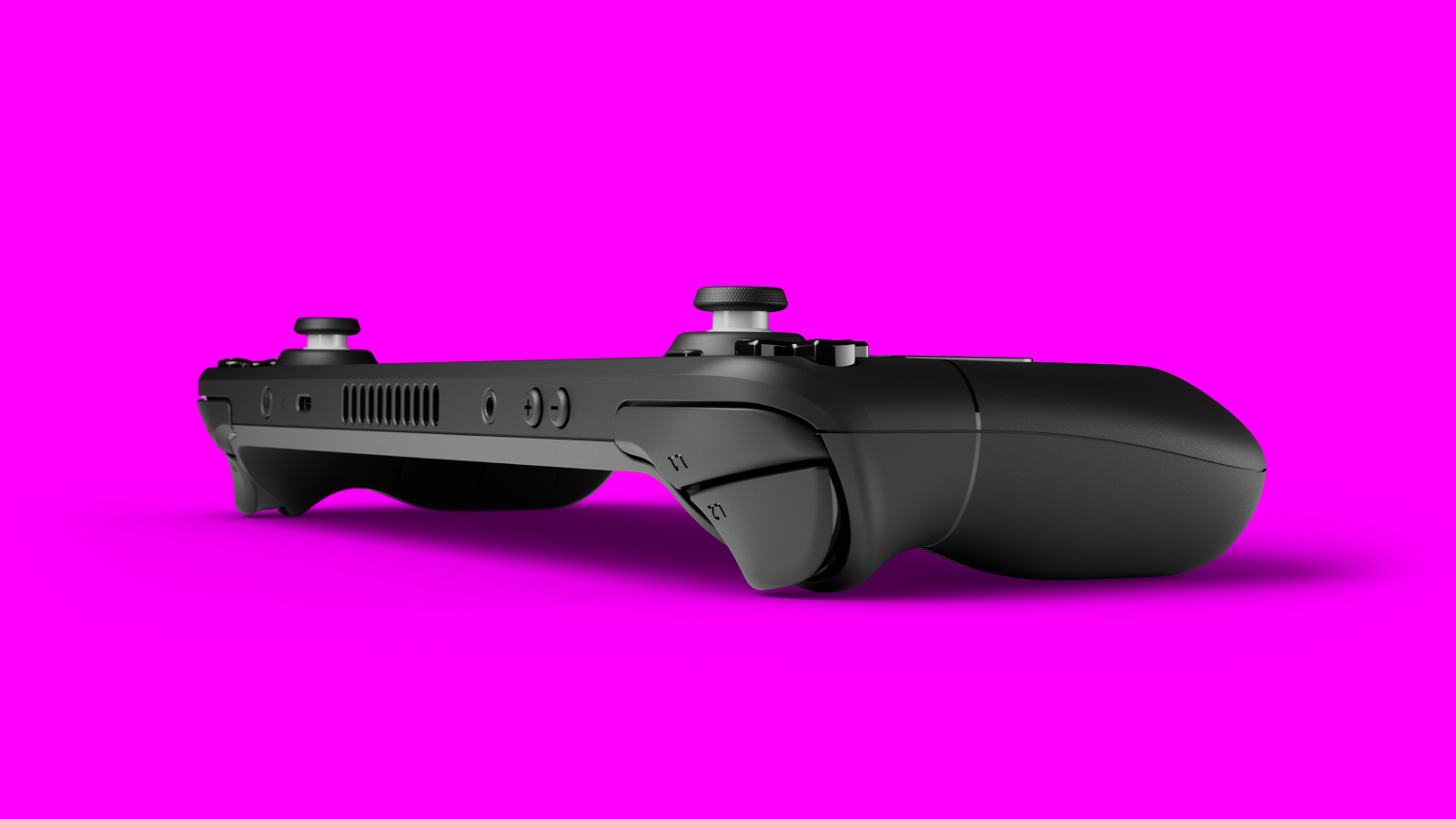
Steam Deck audio issues can be a real pain, especially when you’re in the middle of an intense gaming session. Whether you’re dealing with no sound at all, distorted audio, or Bluetooth connectivity problems, this guide will walk you through the most effective fixes. I’ve tested these solutions myself (some the hard way!) and I’m here to save you the frustration.
Common Steam Deck Audio Issues and How to Fix Them
No Sound at All
If your Steam Deck isn’t producing any audio, first check the obvious: is the volume turned up? Are your headphones or speakers properly connected? If yes, try these steps:
- Go to Settings > Sound and ensure that the correct output device is selected.
- Reboot your Steam Deck! Sometimes a simple restart works wonders.
- Try using a different pair of headphones or speakers to rule out hardware issues.
- Check if the audio is muted in the game you’re playing.
Distorted or Crackling Audio
Crackling, popping, or distorted sound can ruin immersion. Here’s what you can do:
- Adjust the audio output format in Settings > Sound, try switching between 44100 Hz and 48000 Hz.
- Disable any audio enhancements or equalizers running in the background.
- Update your Steam Deck firmware, Valve often rolls out fixes in system updates.
- If using Bluetooth, try moving closer to your audio device or reducing wireless interference.
Bluetooth Audio Problems
Bluetooth connectivity issues are common on the Steam Deck, but they’re usually fixable. As noted by SteamDeckHQ, updating firmware often resolves these problems. Here’s how to proceed:
- Ensure Bluetooth is enabled in Settings > Bluetooth.
- Forget the device and re-pair it : sometimes a fresh connection works better.
- Update your firmware to the latest version available.
- If issues persist, consider using a wired connection temporarily.
Advanced Fixes for Persistent Issues
If basic troubleshooting doesn’t work, it’s time to dig deeper. Some users have reported success by resetting their Steam Deck to factory settings. This should be a last resort, so make sure to back up your games and save files first.
- Go to Settings > System > Factory Reset.
- Follow the prompts and allow the system to reset completely.
- Reinstall your games and test the audio again.
What I Recommend You Do Now
If you’re stuck with Steam Deck audio issues, start with the basics: volume, connections, and simple reboots. If that doesn’t work, move to firmware updates and advanced settings. And if all else fails, a factory reset might be the clean slate your system needs. Don’t give up! Most audio problems on the Steam Deck are fixable.
FAQ
Why is there no sound on my Steam Deck?
Check volume settings, output device selection, and try rebooting. If those don’t work, update firmware or consider a factory reset.
How do I fix crackling audio on Steam Deck?
Try changing the audio output format, disable background audio enhancements, and ensure your firmware is up to date.
Can Bluetooth audio issues be fixed without a factory reset?
Absolutely. Forget the device and re-pair it, update firmware, or temporarily switch to a wired connection.
Does updating Steam Deck firmware help with audio issues?
Yes, Valve regularly releases firmware updates that address audio and connectivity bugs.