

 Saburo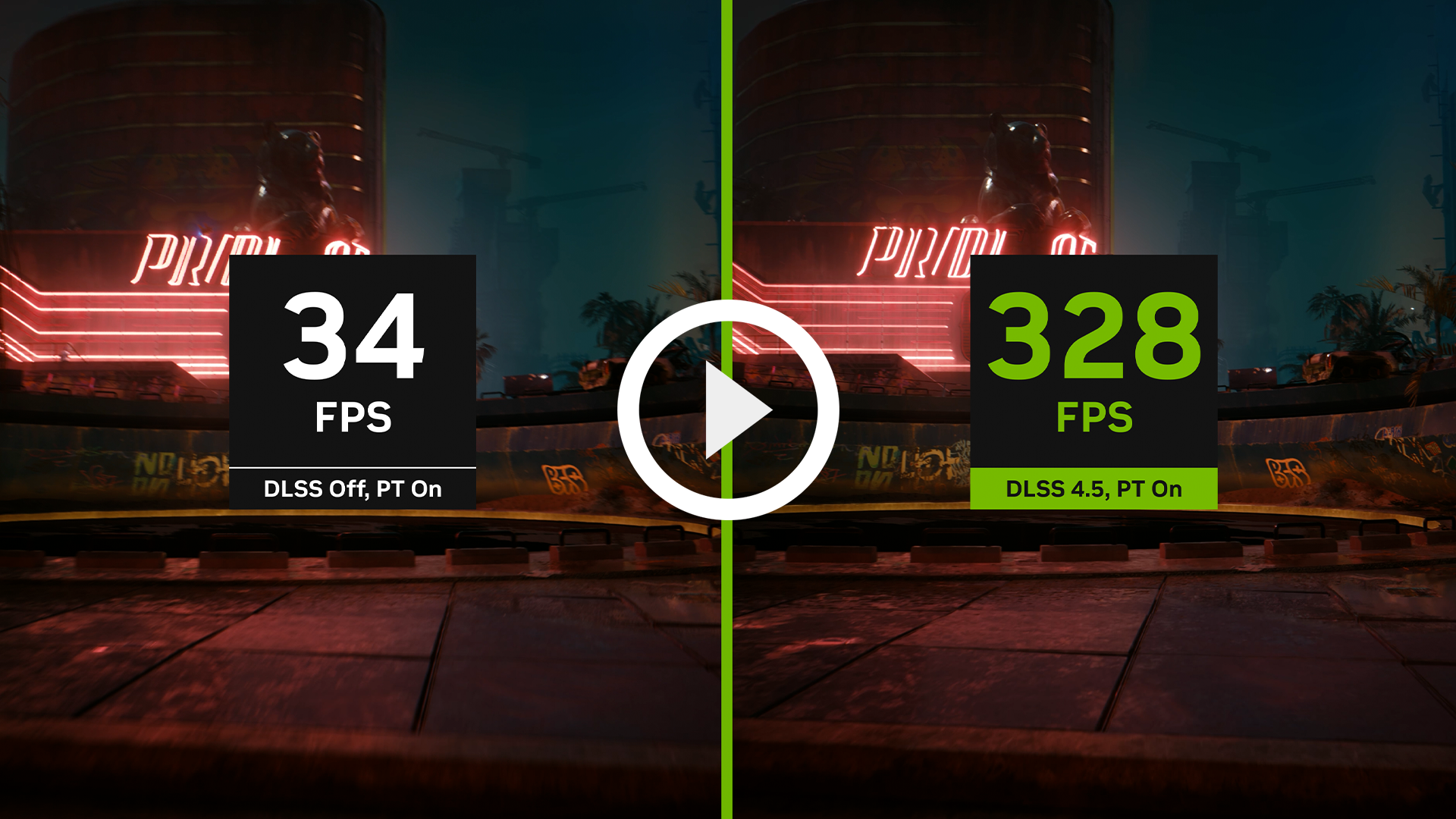
A recent report claims DLSS-style upscaling is now functional on the Steam Deck and ROG Ally X, sparking intense debate across gaming forums. Before you rush to download files, understand that this is not NVIDIA’s native DLSS technology running on your AMD hardware. Instead, community-driven tools like HelixSR are leveraging frame generation techniques to mimic the visual benefits of DLSS 3.7 without the required tensor cores.
The Hardware Reality: Why True DLSS Is Impossible on Steam Deck
NVIDIA DLSS is proprietary technology that requires NVIDIA RTX tensor cores. The Steam Deck uses an AMD APU (custom Aerith/Van Gogh silicon) with RDNA 2 graphics: no tensor cores, therefore true DLSS cannot run natively on it. Any claim suggesting otherwise ignores the fundamental architectural differences between Team Green and Team Red.
AMD’s FSR (FidelityFX Super Resolution) is the open, hardware-agnostic upscaler that the Steam Deck actually supports at the system level, and Valve added FSR support directly into SteamOS. This remains the most stable method for boosting performance on your handheld. For a deeper dive into how these technologies impact your playtime, check out our analysis of FSR 4 vs FSR 3 on Steam Deck battery savings.
What the “DLSS Mod” Actually Does
The mod in question, often identified as HelixSR in recent technical reports, does not unlock NVIDIA code. It utilizes LSFG (Lossless Scaling Frame Generation) technology to insert interpolated frames between rendered ones. This creates the illusion of higher framerates and smoother motion, similar to NVIDIA’s Frame Gen, but it runs entirely on your CPU and GPU via Vulkan hooks.
Steam Deck Lua-based and community plugin ecosystem (Decky Loader) already exposes upscaling tools like LSFG-VK, which bring frame generation rather than classical DLSS upscaling. These tools are powerful but come with caveats. Input lag can increase, and visual artifacts may appear during fast camera movements. We previously covered Valve’s integration of similar tech in our report on RetroDECK 0.11.0 and new emulation components, highlighting how rapidly the software stack evolves.
Community Reaction: Gratitude and Skepticism
The Reddit community has reacted with a mix of excitement and caution. In a thread discussing the device’s extending lifespan, one user noted, “We need to thank the modders; everything is thanks to them.” Another highlighted the ironic role of AI in this process, stating that AI assistance has been crucial for reverse engineering proprietary formats and enabling game preservation.
However, not everyone is convinced. Some users warn against over-reliance on automated solutions, preferring hand-crafted tweaks. This sentiment mirrors discussions around other complex installs, such as the HDR battery drain fixes, where manual configuration often yields better results than one-click scripts. The consensus remains clear: modders are keeping the Deck relevant, but user diligence is required.
Why Native FSR Remains the Safer Choice
While the promise of DLSS-like quality on AMD hardware is enticing, the current implementation via HelixSR or LSFG is not a drop-in replacement for native upscaling. It introduces latency and potential visual glitches that can detract from competitive gaming. For most users, sticking to AMD’s FSR within SteamOS or using ProtonDB to find optimized FSR settings per game remains the safest bet. ProtonDB is the standard reference for checking which games run on the Steam Deck and what tweaks they need : useful specifically to see whether a game that nominally ships DLSS also has a usable FSR path.
Use these mods for single-player experiences where input lag matters less, and always verify your stability. The Steam Deck’s longevity relies on this community innovation, but practicality should still drive your daily driver choices.