

 Saburo
Getting Nvidia’s DLSS to run on the Steam Deck feels like forcing a square peg into a round hole. It is technically impossible by design, yet recent modding breakthroughs claim otherwise. This guide cuts through the noise to explain what this new injection method actually achieves, where it fails, and why sticking with FSR might still be your safest bet for stable gameplay.
The Impossible Becomes Possible (Sort Of)
A recent news signal reports claims of DLSS running on both the Steam Deck and the ROG Ally X, prompting debate in the handheld community over whether the technique is genuine DLSS or an approximation according to aggregated Ginjfo reports. The excitement is palpable, but the technical reality is far more nuanced than a simple “it works” statement.
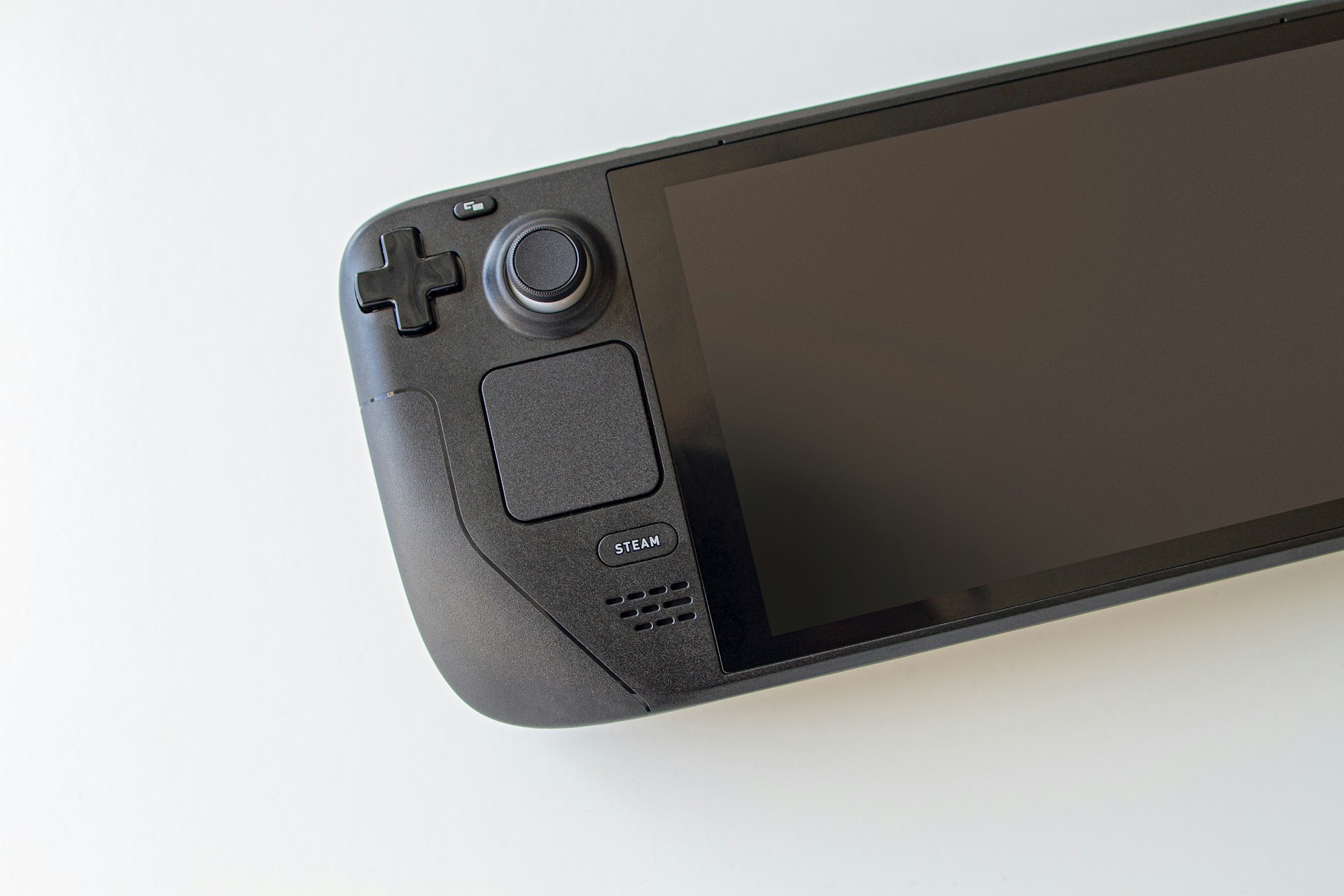
Here is the hard truth: the Steam Deck runs on an AMD Van Gogh APU with RDNA 2 graphics and lacks the dedicated tensor cores required for native DLSS execution. Nvidia’s Deep Learning Super Sampling relies on specific AI hardware found only in RTX GPUs. Without those cores, the Deck cannot process DLSS natively. What modders have achieved is not native support, but rather a shader injection technique that tricks games into accepting external upscaling logic that mimics DLSS behavior.
This is not the first time the community has tried to bridge this gap. Prior experiments used external upscalers like Decky Framegen plugins to approximate DLSS results. These methods often delivered mixed quality, with significant compatibility issues across different Proton versions. The new wave of mods leverages more advanced injection methods, reportedly based on HelixSR technology, to bypass hardware limitations. While impressive, this remains a workaround, not a feature.
FSR vs. The DLSS Mod: A Pragmatic Comparison
SteamOS ships with FSR (FidelityFX Super Resolution) as the standard upscaling solution. Because FSR is open-source and vendor-agnostic, it does not require specialized AI cores. It works on any GPU, including the Deck’s RDNA 2 architecture. Valve has integrated FSR 1 directly into the Quick Access Menu, and many modern titles now support FSR 2 or 3 natively. This integration ensures stability and battery efficiency that third-party mods simply cannot guarantee.
Recent benchmarks show that DLSS 3.7 mods can outperform FSR 4.1.1 by up to 28% in specific scenarios, such as Red Dead Redemption 2 on an RX 6650 XT according to GameGPU testing. While the Deck’s GPU is weaker than a desktop RX 6650 XT, the underlying principle suggests potential frame rate gains. However, ProtonDB community reports highlight a critical caveat: performance gains from non-native upscalers vary wildly per game. Poorly matched injection can introduce ghosting, artifacting, or even crashes when running through Proton.
If you are considering this mod, you must weigh the potential FPS boost against the risk of visual instability. FSR might produce a slightly softer image, but it rarely breaks the game. The DLSS mod offers sharper reconstruction in theory, but at the cost of reliability. For competitive shooters or fast-paced action titles, the inconsistency of injected upscaling can be more detrimental than a lower frame rate.
Installation Risks and Community Sentiment
Installing these mods requires manual intervention, often involving shader replacement or external DLL injection. This process is not user-friendly. If you are unfamiliar with managing Proton prefixes or handling Linux file structures, you risk breaking your game installation. Guides on how to install game mods on Steam Deck provide a solid foundation, but even experienced users should proceed with caution. Using a tool like r2modman or Limo can help manage dependencies, but they do not guarantee safety for shader-level hacks.
The community reaction to these developments is split. On Reddit, users express gratitude toward modders for extending the device’s lifespan, noting that AI-assisted tools are helping to break down walled gardens. One user pointed out that without AI assistance, many of these complex decomps and compatibility layers would never exist due to the sheer tediousness of the work. However, others argue that relying on AI-generated fixes leads to sloppy software that requires constant patching. The consensus is clear: modders are heroes, but their creations are experimental.
Why Native Support Still Matters for Daily Use
While the idea of running DLSS on an AMD APU is thrilling, the current implementation is too unstable for daily driving. The gains are real in controlled benchmarks, but the risk of artifacts and crashes in a portable form factor is too high. FSR remains the king of compatibility on Steam Deck. It is baked into the OS, optimized by Valve, and safe to use. Until a mod offers a one-click install with consistent results across Proton versions, we recommend sticking with FSR 2 or 3. Use the DLSS mod only if you are desperate for extra frames in a specific single-player title and are prepared to troubleshoot when things go wrong.
FAQ
Is DLSS officially supported on Steam Deck?
No, the Steam Deck uses an AMD APU which lacks the Nvidia tensor cores required for native DLSS support.
Does the DLSS mod improve battery life?
It can, by lowering internal resolution, but the overhead of shader injection may offset some gains compared to native FSR.
Will this mod work on all games?
No, compatibility varies significantly. Many games will crash or exhibit severe visual artifacts when using injected upscalers.