

 Saburo
Adding an RGB backlight to your Steam Deck is less about aesthetics and more about engineering discipline. While a translucent JSAUX shell makes the mod visually striking, the real challenge lies in sourcing 5V power without frying the motherboard’s delicate power delivery ICs. Most off-the-shelf kits fail because they ignore voltage regulation limits or pinch critical ribbon cables during reassembly. This guide treats the mod as a serious electronics project: selecting the right WS2812B strips, identifying safe soldering points, and routing wires to preserve WiFi integrity and controller function.
Why Most Steam Deck RGB Mods Fail
The allure of a glowing Steam Deck is strong, but the execution often leads to hardware failure. The initial wave of “RGBDeck” mods, popularized on Reddit, relied on tapping into the internal USB interface between the motherboard and the controller PCB for 5V power. This approach proved catastrophic for many users. Adam Honse, developer of OpenRGB, reported that the tiny power component handling this rail could not sustain the added draw from LED strips. The result was a burnt-out power IC, killing both the lights and the controller functionality.
Beyond electrical risks, physical installation errors are common. Cheap LED kits often use thick, rigid strips that interfere with the battery expansion or pinch the display ribbon cable when the rear shell is screwed back on. A successful mod requires thin, flexible WS2812B strips (4mm width) and a microcontroller like the Adafruit Trinket M0 or RP2040, which can fit within the Deck’s tight internal clearance. For those looking to understand the broader modding landscape, checking recent Steam Deck News can reveal if Valve has released any official lighting accessories, though currently, DIY remains the only path.
The Hardware Reality: LCD vs OLED Power Rails
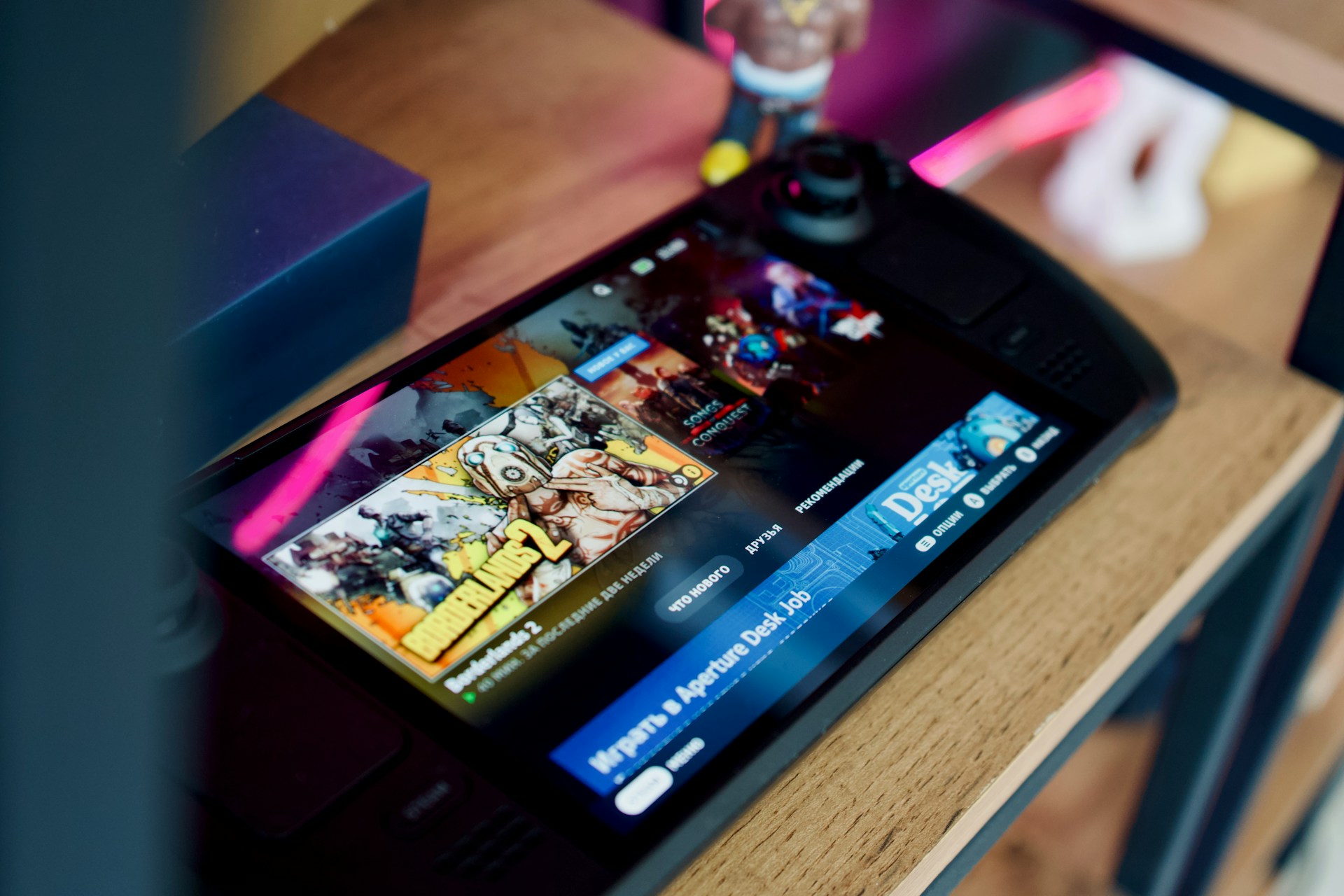
Power management differs between models. The Steam Deck LCD model runs on a 40 Wh battery (5313 mAh, 7.7 V), while the OLED model uses a larger 50 Wh unit. Neither model exposes a dedicated header for accessory power. You must tap into regulated 3.3V or 5V lines on the motherboard. Directly connecting LEDs to the battery bypasses protection circuits and risks thermal runaway. Always verify your voltage with a multimeter before soldering. The lack of an official expansion port means every modification voids the warranty, a trade-off you must accept before picking up a soldering iron.
Selecting Components That Fit
Space is your primary enemy. The Steam Deck’s interior is densely packed, leaving millimeters of clearance around the battery and fan. Standard 5050 LED strips are too bulky. Instead, opt for addressable WS2812B strips, often sold as “NeoPixel” compatible. These allow individual LED control via a single data line, reducing wire clutter. A 30-LED strip is sufficient for a backlight effect and draws minimal current when configured correctly.
For control, a small microcontroller is essential. The Adafruit Trinket M0 is a popular choice due to its compact size and I2C support, which allows integration with OpenRGB on SteamOS. This setup lets you sync colors with game events or system status, rather than relying on static patterns. When sourcing parts, brands like JSAUX offer translucent back shells designed specifically for these mods, ensuring the light diffuses evenly without hotspots. Avoid generic “gaming” LED kits from marketplaces like Etsy, as they often lack proper voltage regulation for handheld internals.
Wiring and Soldering: The Safe Path
Soldering inside a Steam Deck requires precision. The goal is to find a stable 5V source that can handle the intermittent load of LEDs. The USB-C port’s VBUS line is a candidate, but it requires careful isolation to prevent shorting against the metal shield. Alternatively, some modders tap into the mainboard’s test points, though these vary by revision. Always consult the latest iFixit teardowns for your specific board version, as Valve has revised internal layouts since launch.
Data lines must connect to the microcontroller’s GPIO pins, which then communicate via I2C. Ensure all connections are insulated with heat-shrink tubing. Exposed solder joints can vibrate loose during gameplay, causing shorts. Before closing the device, test the circuit externally. Connect the battery, power on the Deck, and verify that the LEDs respond to commands from OpenRGB. If the controller drifts or WiFi signal drops, you likely have interference from unshielded wires running parallel to the antenna cables.
Routing Cables Without Pinching
Cable management determines whether your Deck survives reassembly. Route wires along the edges of the chassis, away from the battery’s expansion zone. The display ribbon cable is particularly vulnerable; ensure no wires cross over it or get trapped under the motherboard shield. Use Kapton tape to secure wires to the plastic frame, preventing movement during transport. If you feel resistance when closing the shell, stop immediately. Forcing the case will crack the plastic or damage internal connectors.
Software Integration with OpenRGB
Hardware is only half the battle. To control your new LEDs, install OpenRGB on your SteamOS desktop mode. You may need to enable I2C support in the kernel parameters. Once configured, the Adafruit Trinket M0 appears as a compatible device. You can then create profiles for different games or system states. For example, set the LEDs to red when the battery is low or pulse blue during downloads. This level of integration transforms the mod from a gimmick into a functional status indicator.
While software tweaks like DLSS mods focus on performance, RGB control enhances the user experience through feedback. However, keep scripts lightweight. Heavy background processes can impact battery life, negating the visual benefits of your hard work.
Alternatives to Internal Modding
If soldering isn’t your strength, consider external solutions. USB-C hubs with built-in RGB lighting offer a plug-and-play alternative, though they add bulk and drain the battery faster. Another option is magnetic LED strips that attach to the exterior vents, powered by a separate small battery pack. These avoid internal risks entirely but lack the seamless integration of an internal mod. For users prioritizing longevity, focusing on hall effect joystick swaps might offer better long-term value than lighting, as it addresses mechanical wear rather than aesthetics.
Assessment: Is the Risk Justified?
The Steam Deck RGB LED mod is a testament to the community’s ingenuity, but it is not for the faint of heart. The risk of damaging the motherboard’s power ICs is real, and the process requires advanced soldering skills. If you proceed, use high-quality components, respect voltage limits, and prioritize cable routing. For most users, the satisfaction of a custom-built lighting system outweighs the convenience of off-the-shelf accessories. However, if you rely on your Deck for daily gaming, consider whether the aesthetic payoff justifies the potential for hardware failure. Proceed with caution, test thoroughly, and never force the shell closed.
FAQ
Does adding RGB LEDs void the Steam Deck warranty?
Yes. Opening the device and soldering components to the motherboard voids Valve’s warranty. Any damage resulting from the mod, including motherboard failure, is not covered.
Can I use the same mod for Steam Deck OLED and LCD?
The principles are similar, but internal layouts differ. The OLED model has a different battery shape and connector placement. Always refer to model-specific teardown guides before soldering.
Will RGB lights interfere with WiFi or Bluetooth?
Poorly shielded wires can cause interference. Route LED data lines away from antenna cables and use grounded shielding if possible. Test connectivity after installation.
What is the safest power source for LED mods?
A regulated 5V line from the USB-C port or a dedicated test point on the motherboard is safer than direct battery connection. Always use a multimeter to verify voltage.