

 Saburo
Valve’s latest SteamOS update fundamentally changes how you browse your game collection. The new “Big Art” mode replaces tiny box art with immersive background posters, making the library easier to read from a distance or while docked. This visual overhaul, paired with Remote Play enhancements, aims to make the Steam Deck feel more like a dedicated console than a PC in handheld form.
A Console-Like Library Experience
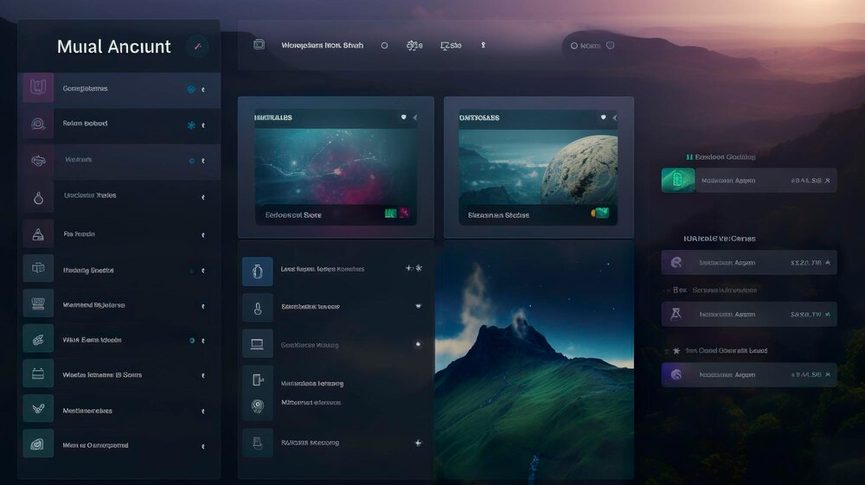
The most visible change in this update is the shift away from the traditional grid of small game tiles. The new SteamOS adds a “Big Art” mode to the game library, prioritizing high-resolution artwork over compact lists. Instead of squinting at small icons, the interface now features large posters organized across the lower section of the screen, with dynamic artwork filling the background.
This design choice directly addresses a long-standing complaint about the Steam Deck’s default interface: readability. On the standard LCD model, and even more so on the OLED’s vibrant display, small text and icons can get lost due to the custom AMD APU architecture. By pushing game art to the forefront, Valve creates a cleaner, more visually striking home page. It feels less like browsing a file directory and more like flipping through a digital movie collection.
For those who use their Deck as a living-room console, this update is a welcome quality-of-life improvement. The interface puts games front and center, reducing the cognitive load of scanning through hundreds of titles. However, the implementation isn’t perfect for everyone. Some users note that hiding the game posters entirely would allow the backdrop art to pop even more, suggesting that the UI still has room for refinement depending on personal taste.
If you are managing a massive library, this visual shift might require some adjustment. Unlike the dense list view that lets you scan dozens of titles at once, Big Art Mode forces you to focus on one or two games at a time. It’s a trade-off: you gain aesthetic appeal and clarity, but you lose some browsing efficiency. For casual players or those who rotate through a small set of favorites, this is a net positive. Power users with thousands of indie titles might still prefer the compact list view for quick navigation.
Better Streaming and Remote Play
Beyond the visual refresh, the update brings tangible performance improvements to streaming. The SteamOS update improves streaming performance and Remote Play, introducing a new codec called Pyro Wave. This technology is designed to reduce latency and improve image quality when streaming games from a powerful Windows PC to your Steam Deck.
For Deck owners who rely on Remote Play to tackle AAA titles that struggle on the handheld’s hardware, this is significant. Lower latency means tighter controls, which is crucial for fast-paced genres like shooters or fighting games. The improved codec ensures that the visual fidelity remains high, even over variable home network conditions. This reinforces the Steam Deck’s versatility: it’s not just a standalone device, but a potent client for your existing PC gaming setup.
These streaming improvements complement the interface changes. A cleaner, more console-like UI makes sense when you’re using the Deck as a secondary screen for your main rig. The combination of better visuals and smoother streaming creates a more cohesive experience, whether you’re playing locally or remotely.
Contextualizing the Change
This update continues Valve’s strategy of refining the Steam Deck experience through iterative software improvements. Recent SteamOS betas have focused on stability, fixing hibernation issues and patching security vulnerabilities. The shift to Big Art Mode represents a different priority: user experience and aesthetics. It shows that Valve is listening to feedback about the Deck’s usability in different contexts, particularly when docked or used as a media center.
While the core hardware remains unchanged, these software tweaks significantly alter how the device feels in hand. The Steam Deck’s custom AMD APU delivers the power, but the interface dictates how you interact with that power. By making the library more visually engaging, Valve encourages exploration and reduces the friction of choosing what to play next.
Why the Redesign Matters
The Big Art Mode is a bold step toward making the Steam Deck feel less like a portable PC and more like a true gaming console. It sacrifices some information density for visual clarity, a trade-off that benefits most users, especially those who value aesthetics. Combined with the Remote Play improvements, this update solidifies the Deck’s position as a versatile hub for all your Steam games. While purists might miss the compact list view, the new interface is undeniably more inviting and easier to navigate from the couch. It’s a polished update that respects the hardware’s capabilities while addressing its previous UI shortcomings.