

 Saburo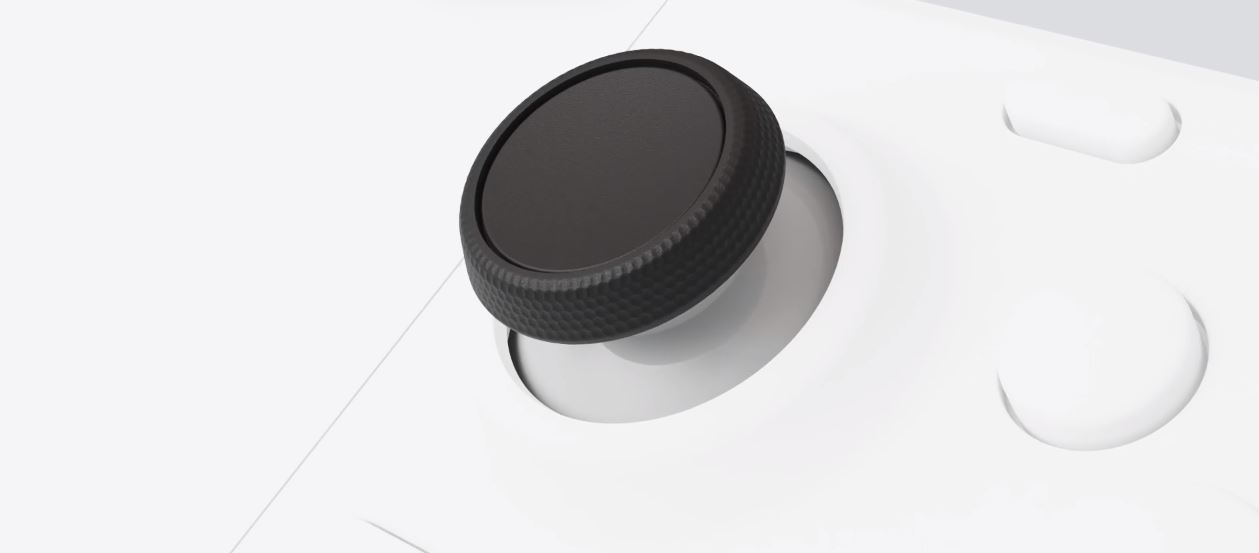
Your Steam Deck thumbstick cap popped off during an intense gaming session. Before you assume your analog stick is dead or start planning a complex motherboard repair, take a breath. In most cases, the plastic cap has simply unclipped from the underlying potentiometer shaft. This is a cosmetic and tactile issue, not necessarily an electronic failure. You can often snap it back on or swap it for a sturdier aftermarket part in minutes.
Diagnose: Is It the Cap or the Stick?
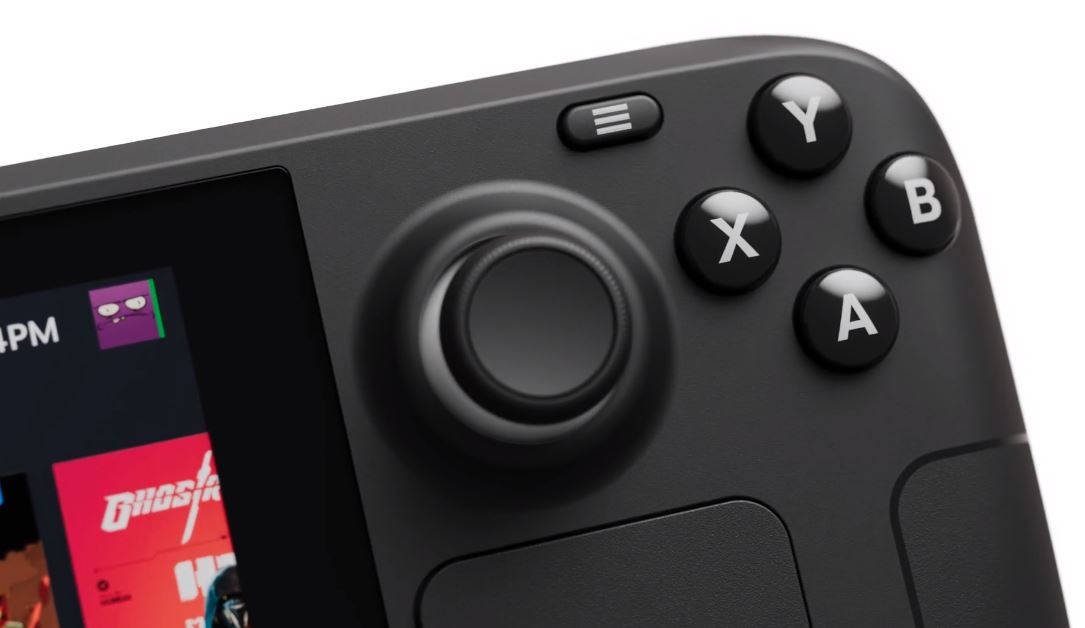
The Steam Deck uses standard analog sticks where the textured rubber or plastic cap clips onto a metal shaft. Over hundreds of hours of use, the friction fit weakens, or the thin plastic tears at the base. This is distinct from joystick drift, where the character moves without input. Drift stems from wear inside the potentiometer module itself, not the removable cap.
If your stick feels loose but returns to center correctly, and the input registers fine in SteamOS calibration tests, the module is likely healthy. The problem is purely mechanical: the cap detached. However, if you see erratic movement in menus or games, you are dealing with internal sensor wear. In that specific scenario, reseating the cap won’t help, and you might need to consider a Hall Effect joystick swap to permanently eliminate drift.
How to Reseat the Original Cap
If the original cap is intact (no tears), you can reattach it. Power off your Deck to avoid accidental inputs. Align the cross-shaped indentation on the underside of the cap with the metal shaft of the stick. Press down firmly and evenly. You should feel a distinct click or resistance as it seats.
Pro tip: If the fit feels sloppy, the plastic retaining ring inside the cap may be stretched. Clean both the shaft and the inside of the cap with a microfiber cloth to remove skin oils or dust that reduce friction. Avoid using adhesives like superglue; they can seep into the potentiometer and ruin the sensor permanently.
When to Upgrade: Aftermarket Caps
If the original cap is torn or lost, replacement is cheap and easy. The community favors brands like JSAUX, dbrand, and Skull & Co. for their durability and grip. These accessories often screw onto the existing stick base or clip on with a tighter tolerance than Valve’s stock parts.
- JSAUX and dbrand: Offer textured grips that improve precision in shooters and platformers. They are widely available and easy to install without tools.
- Screw-on caps: Some third-party options thread directly onto the stick mechanism. These cannot fall off during play, making them ideal for competitive gamers who mash inputs.
For those who prefer minimal changes, simple silicone covers slip over the existing stick. They add height and cushioning, which can reduce thumb fatigue during long RPG sessions. Just ensure they don’t interfere with the surrounding bezel or case.
OLED vs. LCD: Compatibility Warning
Pay attention to your model. The Steam Deck OLED and the original LCD version have slightly different stick dimensions and clearances. While many universal caps work on both, some snug-fit replacements designed for the LCD model may sit too high or low on the OLED stick. Always check product descriptions for “OLED compatible” labels before buying. Reddit users frequently report fitment issues when mixing parts between generations, so verify the specific model support for your chosen brand.
Why a Simple Fix Often Suffices
A missing thumbstick cap is a minor annoyance, not a crisis. Most players rush to conclude their hardware is failing, but the fix is often a simple snap-back or a $10 accessory purchase. Save the screwdrivers for actual electronic failures. If the stick centers properly and doesn’t drift, you’re good to go. Upgrading to a screw-on cap from a reputable brand like JSAUX not only solves the immediate problem but often improves the tactile feel of the device. Keep it simple, keep it clean, and get back to gaming.
FAQ
Will reseating the cap fix joystick drift?
No. Drift is caused by internal sensor wear in the potentiometer module. Reseating the cap only fixes physical detachment or looseness of the plastic cover.
Are Steam Deck OLED and LCD thumbstick caps interchangeable?
Not always. While the mounting mechanism is similar, the height and clearance differ. Check specific compatibility for your model before purchasing aftermarket caps.
Do I need to open the Steam Deck to replace a thumbstick cap?
No. Thumbstick caps are external components. You can remove and replace them by hand without any tools or disassembly.
What are the best replacement caps for Steam Deck?
Popular choices include screw-on caps from JSAUX or textured grips from dbrand and Skull & Co. These offer better durability and grip than the stock plastic caps.