

 Saburo
Valve dropped a new firmware update for the Steam Deck today, and it’s all about stability and performance. If you’ve ever dealt with freezing, stuttering, or random crashes mid-game, this one’s for you. Let’s break down what’s new, how to install it, and why you should care.
What’s New in the Steam Deck Firmware Update
Valve released this firmware update on September 21, 2026, specifically to address common pain points in the Steam Deck experience. According to user reports and Reddit discussions, many players have experienced freezing and performance drops, especially during longer gaming sessions or when running more demanding titles.
This update includes the following improvements:
- Optimized system resource allocation to reduce stuttering
- Improved thermal management to prevent overheating-related freezes
- Enhanced GPU scheduling for smoother gameplay transitions
It’s not a flashy update, but it’s the kind that makes your Deck feel more reliable day-to-day. You won’t see a new UI or extra features, but you’ll notice your games run smoother and crash less.
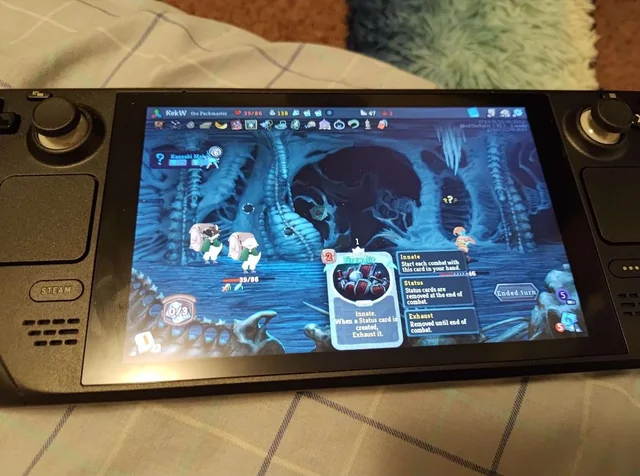
How to Install the Firmware Update
Installing the update is straightforward. Here’s what you need to do:
- Connect your Steam Deck to a stable Wi-Fi network
- Open the Steam client and go to Settings > System > System Updates
- Check for updates: the firmware should appear automatically
- Download and install the update
- Reboot your device when prompted
The entire process should take about 10–15 minutes, depending on your internet speed. Valve recommends keeping your Deck plugged in during the update to avoid interruptions.
Community Feedback and Real-World Performance
Early reactions on Reddit suggest that the update is already making a difference. One user reported fewer freezes during long sessions of Silent Hill: Townfall, a title that’s been known to stress the Deck’s hardware. Others noted smoother transitions in games like Dragon Age: Inquisition, which now runs more reliably thanks to recent Proton updates as well.
However, not everyone is thrilled. Some users mentioned that the update installed automatically, catching them off guard: a gripe that’s come up before on the Steam Deck subreddit.
Final Thoughts: Should You Update?
Yes, absolutely. If you’ve been experiencing performance issues or unexpected crashes, this firmware update is worth installing. It’s a solid patch that focuses on the fundamentals: stability, performance, and reliability: all things that matter when you’re trying to beat a game without your Deck acting up.
Valve isn’t reinventing the wheel here, but they’re clearly listening to the community and making meaningful improvements. Keep an eye out for more updates, and if you’ve got a Steam Deck OLED, check out the September Steam update too.