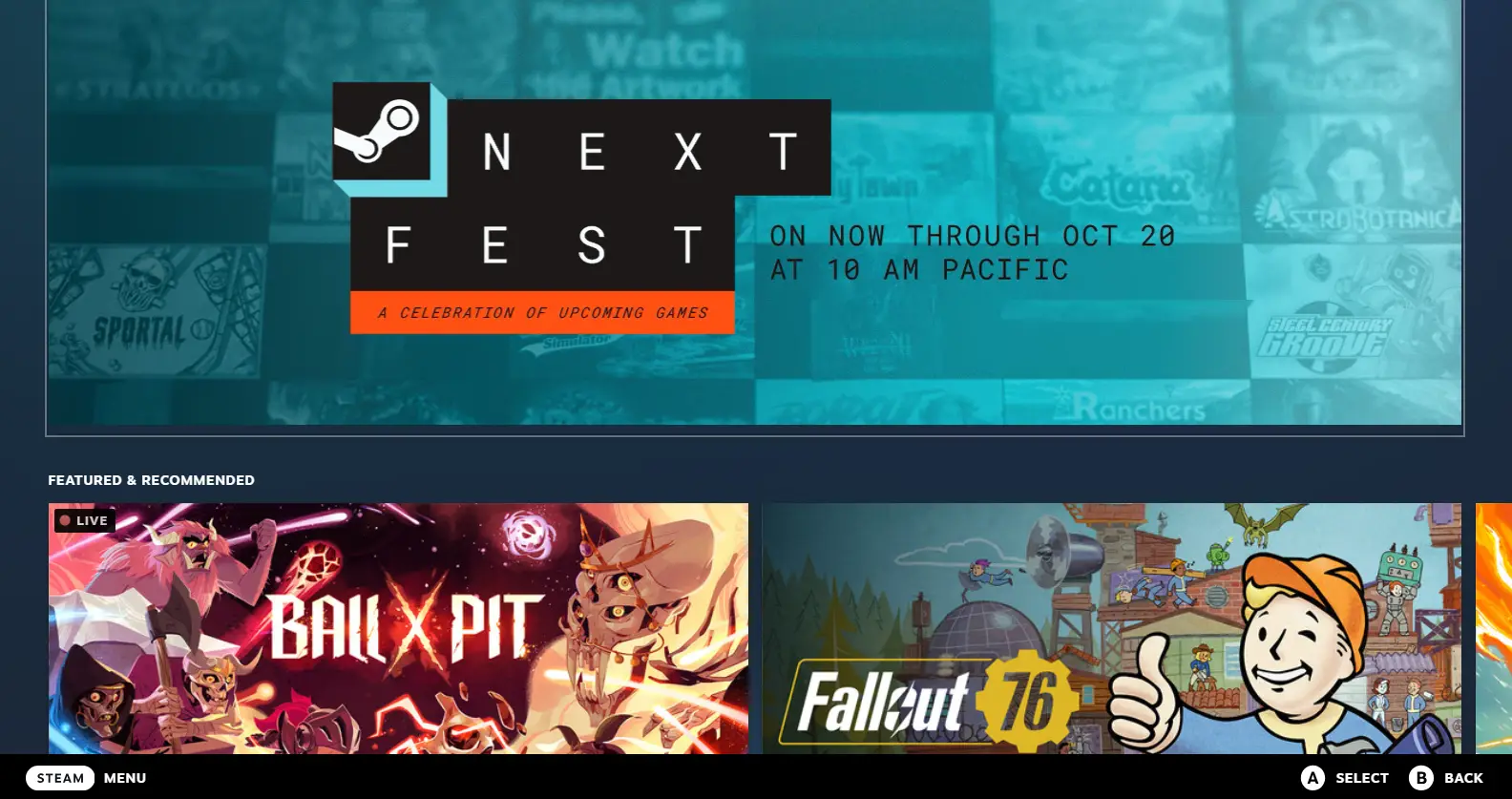
It’s incredibly useful for me as it’s tedious to capture screenshot on the Deck then sent them to my blogging PC – now I can screen directly from DeckUi, the Steam Deck’s native user interface, on my work laptop. That’s a great video tip from Scoby Teck who got his idea from reddit, here’s his video how-to :
Now I know the Big Picture mode is very similar on Steam, but Deck UI adds the very useful Steam Deck related info such as compatibility tab on games, “Perfect for Steam Deck” list, Most popular games on Steam Deck and so on.
Thanks Scoby ! Subscribe to his great channel Scoby tech if you like.

 Remi
Remi