

 Saburo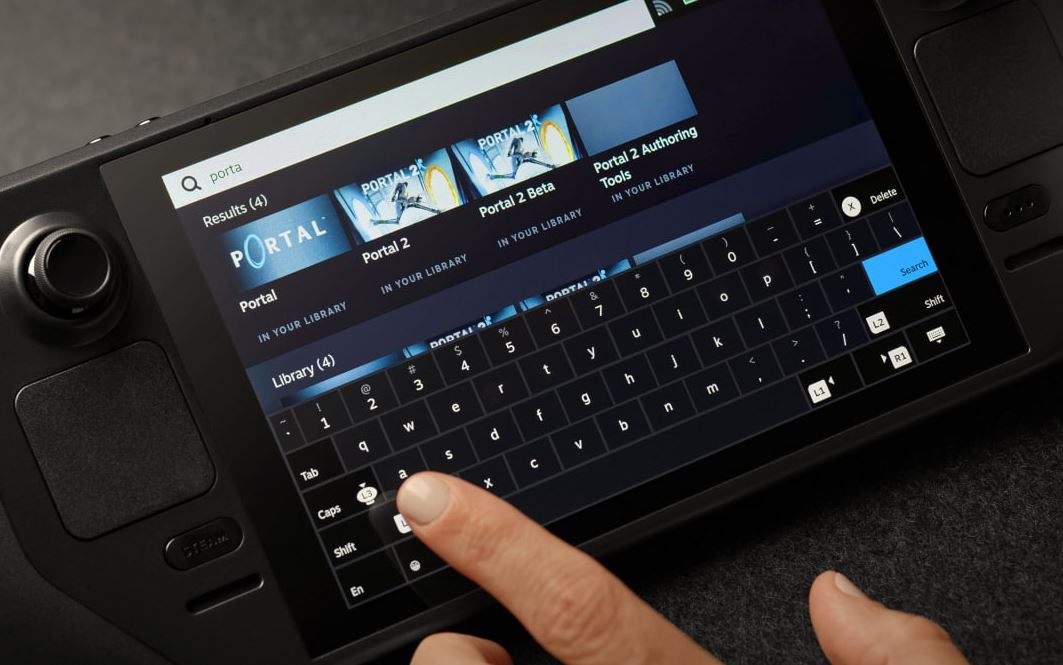
Valve’s Steam Deck just got a little smoother with the release of Decky LSFG-VK 0.14.0. This new version promises better performance and tighter integration with the LSFG-VK 2.0.0 update. But not everyone is having a seamless upgrade — some users are hitting a confusing ‘unsupported lsfg-vk configuration version’ error. Let me walk you through what’s new, how to install it properly, and why this matters for your Deck experience.
What’s New in Decky LSFG-VK 0.14.0
The Decky LSFG-VK plugin is all about improving performance on the Steam Deck through lossless scaling and Vulkan optimizations. With this latest release, users can expect:
- Better compatibility with LSFG-VK 2.0.0
- Improved detection of installed Steam games
- Enhanced Vulkan rendering for older titles
- Stability fixes for scaling issues
It’s a big deal for those who mod their games or tweak performance settings. If you’ve been struggling with scaling glitches or frame drops, this update might be the fix you’ve been waiting for.
How to Install Decky LSFG-VK 0.14.0 (Without the ‘Unsupported’ Error)
Some users are reporting a frustrating issue where the plugin doesn’t recognize their Steam games, even after installing the new version. If you’re getting the ‘unsupported lsfg-vk configuration version’ error, here’s how to fix it:
- Open the Decky plugin settings
- Go to the LSFG-VK tab
- Select ‘Uninstall LSFG-VK’
- Head to your Steam library and search for ‘Lossless Scaling’
- Right-click > Properties > Betas > choose ‘lsfg-vk’
- Let it update, then return to Decky and reinstall LSFG-VK
This should clear up the detection issue and get you running the latest version without errors. If you’re still stuck, check the Reddit thread for community troubleshooting tips.

Why This Matters for Steam Deck Gamers
As someone who spends way too much time tweaking performance settings on my Deck, I can say this update feels like a win. LSFG-VK has always been a powerful tool for squeezing better visuals and performance out of older games, but the setup was a bit of a pain. Now, with smoother integration via Decky, it’s easier than ever to get the most out of your games without diving deep into the terminal.
And for those of you playing games like Dead Island or FTL (shoutout to the weekly megathread), this could mean a better-looking, smoother experience without touching a single setting.
Final Thoughts: Performance Tweaks That Actually Work
If you’re into optimizing your Steam Deck’s performance, Decky LSFG-VK 0.14.0 is a must-try. It’s not just about making games look better — it’s about making them run better, especially on older titles. And now that the plugin setup is more streamlined, there’s no excuse not to give it a shot.
So go ahead — update your Lossless Scaling beta, reinstall the plugin, and see how your favorite games look with LSFG-VK enabled. You might be surprised at the difference.