

 Saburo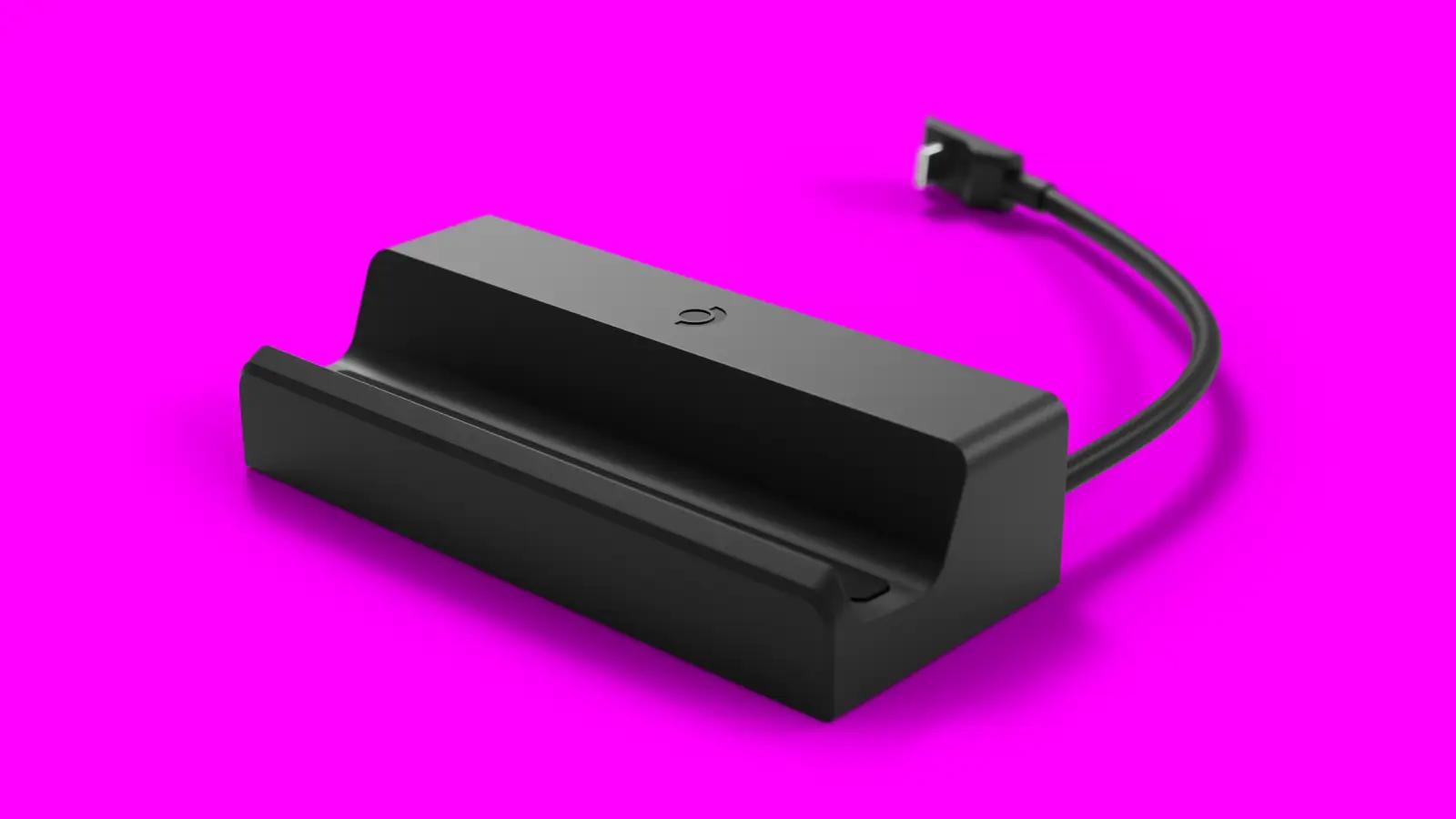
I’ve hooked my Deck up to three different docks over the past two years, and the honest truth is most buying guides on this topic are just spec sheets with a price tag slapped on. Here’s what actually matters when you’re plugging into a TV, not a lab bench.
The official Valve Steam Deck Dock: still the safe pick
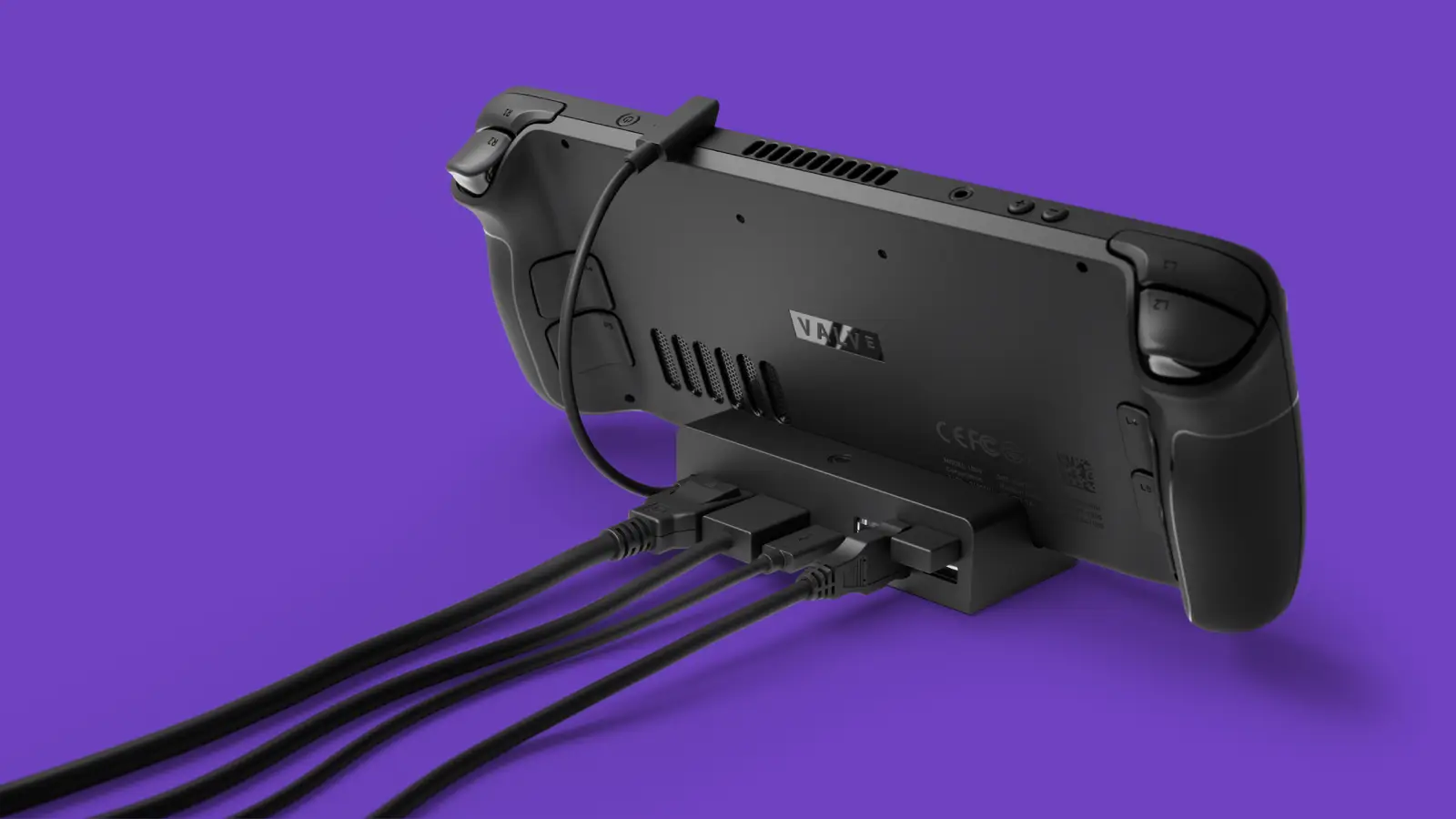
Valve’s own dock outputs through DisplayPort 1.4 and HDMI 2.0, pushing up to 4K at 60Hz or 1440p at 120Hz, and even supports multi-monitor setups over DisplayPort’s MST feature if you’re the type who runs a Deck as a mini desktop. You also get three USB-A 3.1 Gen1 ports, a USB-C port for power passthrough, and Gigabit Ethernet, which matters more than people expect once you’re streaming games or downloading a 90GB update on the couch.
The catch: it’s Deck-specific, so it won’t double as a hub for your laptop, and the port placement on the back means cable management behind your TV console takes a bit of planning the first time you set it up. Once it’s arranged, though, I genuinely forget it’s there.
Third-party USB-C hubs: cheaper, but read the fine print
Brands like JSAUX and a handful of generic USB-C hub makers sell docks that undercut Valve’s price while adding extra ports (SD card readers, extra HDMI outs, sometimes even a second display). The trade-off is consistency. I’ve had a couple of these hubs that worked flawlessly for months, then started dropping the HDMI signal after a firmware update, or refused to charge the Deck and output video at the same time under Linux/SteamOS specifically, even though the box promised full compatibility.
If you go this route, check for recent SteamOS-specific reviews before buying, not just generic USB-C laptop dock reviews. What works fine on a Windows machine doesn’t always behave the same way once SteamOS is driving the display handshake.
Quick comparison
| Dock | Max video output | Extra ports | Best for |
|---|---|---|---|
| Valve Official Dock | 4K60 / 1440p120 (MST) | 3x USB-A, Ethernet, USB-C power | Set-and-forget reliability |
| JSAUX-style USB-C hub | Usually 4K60 | SD reader, extra HDMI, varies by model | Budget setups, travel |
| Generic multiport hub | Varies, check specs | Varies widely | Only if reviewed specifically for SteamOS |
What actually matters for a TV setup
Forget chasing the highest port count. For a living-room rig, prioritize three things: a stable HDMI or DisplayPort handshake with your specific TV (some older TVs are picky about handshake timing on wake), enough power passthrough wattage that your Deck actually charges while gaming instead of slowly draining, and a cable length that reaches your couch without a mess of extensions. Ethernet is a nice-to-have, not a dealbreaker, unless your Wi-Fi already struggles in that room.
My honest take: if you’re setting this up once and don’t want to think about it again, the official dock earns its price premium through sheer reliability. If you’re on a tight budget or need something you can toss in a bag for a friend’s place, a well-reviewed third-party hub does the job, just don’t buy blind on Amazon star ratings alone.
Before you buy
Pair whatever dock you land on with a few power settings dialed in, our battery life settings guide covers the same tweaks that also help your Deck run cooler and quieter when it’s docked for long sessions. And if you’re building out a couch gaming library to go with the new setup, check our list of hidden gem games running at a smooth 60FPS on Deck hardware.
Bottom line: match the dock to how you actually use your Deck. A permanent TV setup deserves the official dock’s reliability. A travel companion deserves whichever compact hub survives an honest SteamOS-specific review.