

 Saburo

In short:
- Prioritize games with one or two buttons so non-gamers can join instantly without learning complex mechanics.
- Dock your Steam Deck to a TV and pair Bluetooth controllers to avoid squinting at the 7-inch screen.
- Choose physics-based or forgiving co-op titles where failing together feels fun rather than frustrating.
Most co-op guides assume your partner already knows what a skill tree is. That assumption ruins game nights. When you hand a controller to someone who has never touched a Valve device, you have about ten minutes before they get frustrated and go back to scrolling their phone. The trick is picking games with zero learning curve, readable UI on a 7-inch screen (or a TV), and mechanics that forgive mistakes instead of punishing them.
Setting Up Your Steam Deck for the Couch
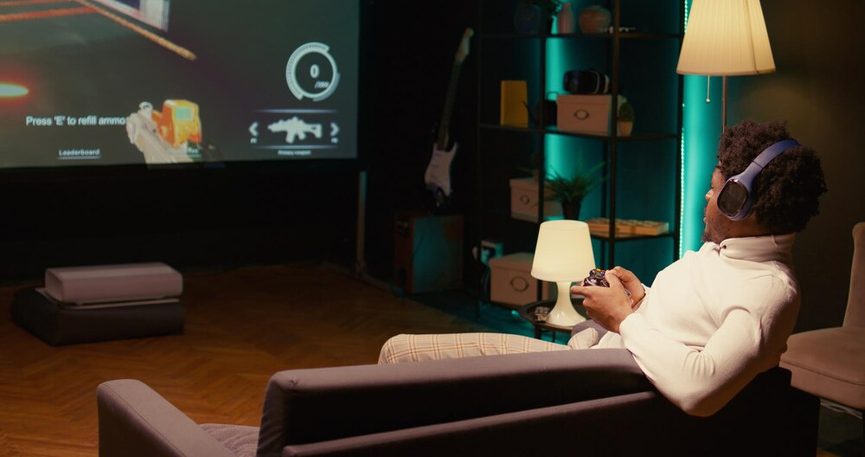
The hardware side takes two minutes. The Steam Deck supports external controllers via Bluetooth and USB-C, letting multiple people play local co-op on one device or through a dock to a TV. Plug in a JSAUX dock, connect it to your living room display, and pair two wireless controllers. You instantly turn a handheld into a console.
Stick to titles carrying the Steam Deck Verified status. This badge indicates a game runs well on Deck with default settings and readable text, which matters heavily for shared-screen play where squinting at tiny fonts kills the mood. For anything outside Valve’s official list, check ProtonDB, a community database that rates compatibility for unverified games.
Games You Can Learn in Under a Minute
Forget complex combos. You need games built around one or two buttons.
Overcooked! 2 remains the gold standard here. Developed by Team17, it supports local co-op for up to 4 players on a single screen and relies on simple two-button controls. You chop, you cook, you throw plates. Someone burns the soup? You laugh and restart the timer. Nobody feels left behind because everyone is failing together.
If cooking induces too much stress, Moving Out 2 flips the script. According to Team17, this title supports local co-op and is designed around drop-in/drop-out play with simple grab-and-throw mechanics. You are hauling couches through windows. Physics does the heavy lifting. When your friend accidentally throws a television through a glass door, it registers as a hilarious success rather than a failure.
When You Want a Story, Not Chaos
Sometimes you want an actual narrative without forcing a non-gamer through a tutorial purgatory. It Takes Two requires two players and supports local split-screen co-op. It won Game of the Year at The Game Awards 2021 for a reason: every level introduces a new mechanic, teaches it in five seconds, and discards it before it gets boring. One person steers while the other shoots, then you swap. The camera handles the framing so nobody gets lost off-screen.
Gang Beasts offers another route. Listed in a dedicated Steam Curator collection specifically aimed at friends who do not game, it turns clumsy physics into the entire joke. You play gelatinous figures trying to push each other off buildings. Knowing how to walk properly is optional.
Screen Size and Readability Matter More Than Framerate
A common mistake is prioritizing 60 FPS over UI scaling. If you are playing directly on the Steam Deck screen without a TV dock, the 7-inch display shrinks everything. Games with massive health bars or tiny minimaps will alienate a newcomer immediately. Titles like Overcooked! 2 use bright colors and oversized character models that pop even when four players crowd the same kitchen. Always test the first level solo to verify text size before handing over the second controller.
Our Take on Gatekeeping Game Nights
We see too many enthusiasts force complex RPGs onto casual friends just to flex their library. Stop doing that. A successful couch session with a non-gamer hinges entirely on lowering the barrier to entry until it hits the floor. Physics-based chaos like Moving Out 2 or structured simplicity like It Takes Two work because they remove the shame of losing. Your job is not to teach someone how to be a gamer. Your job is to make sure they actually want to pick up the controller again next Friday.
FAQ
Can I use any Bluetooth controller with the Steam Deck?
Yes. The Steam Deck natively supports Xbox, PlayStation, and most generic Bluetooth controllers. Pair them directly through the system settings or via a USB dongle plugged into a dock.
Do these games drain the battery fast during co-op?
Running Bluetooth for multiple controllers alongside a demanding game cuts battery life. Expect around 90 minutes to two hours for heavier titles. Keep the charger handy or dock the device to a TV to bypass battery anxiety entirely.
Is split-screen hard to read on the 7-inch screen?
It can be. Games designed specifically for handhelds scale better, but plugging into a TV via a JSAUX or Valve dock gives everyone enough visual space to actually see what is happening.
How do I know if an unverified game works for co-op?
Search the game on ProtonDB. Community reports detail specific controller issues, UI scaling bugs, or crashes that Valve’s automated verification might have missed.